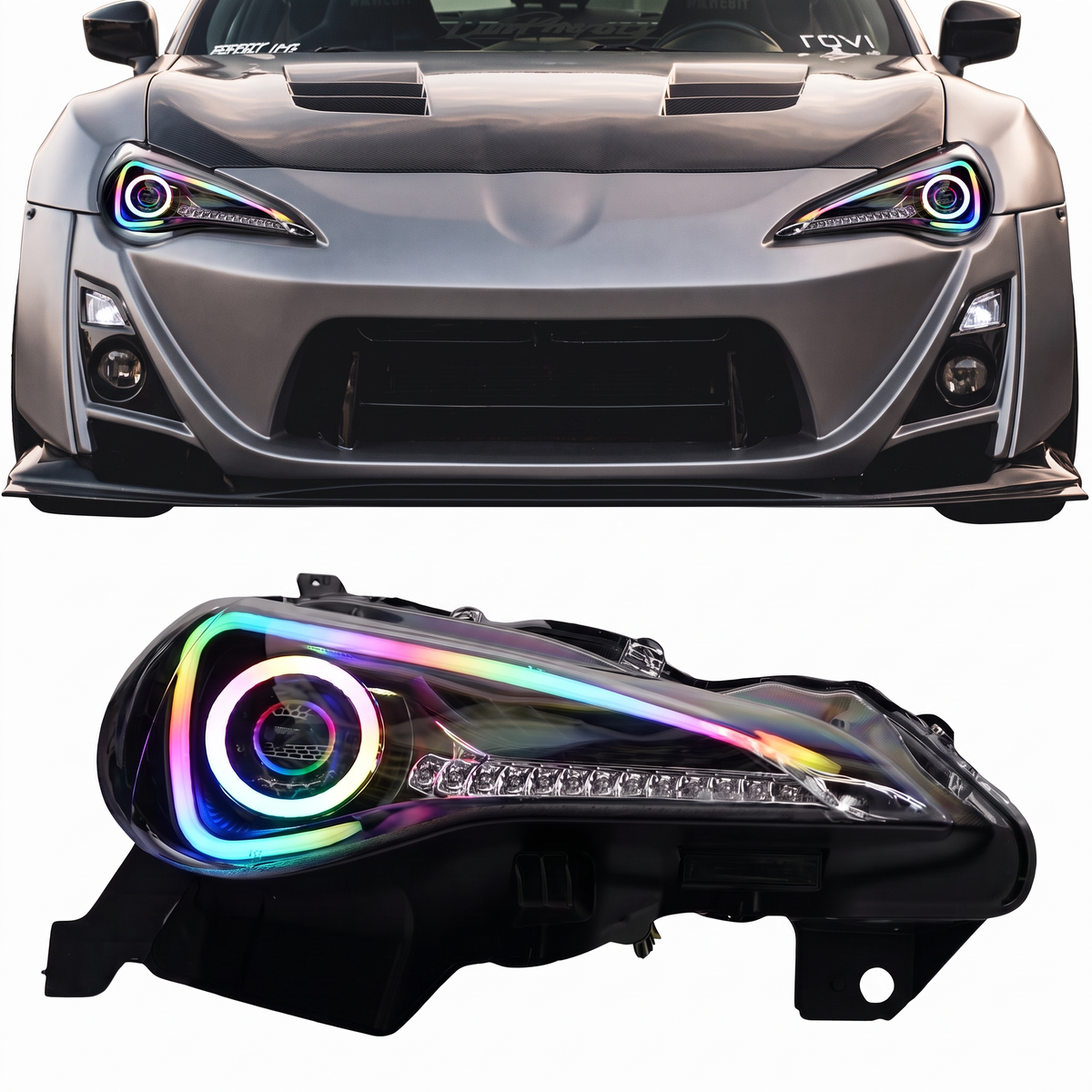

This installation reference covers 2015-2017 Ford F-150 Multicolor DRL Boards. Match the product, vehicle configuration and controller part number before starting.
Part # D12
Ford F150 multicolor Flow DRL Boards (2015-2017)
Step 1: Test your Product. This helps you check operation and confirm the wiring before permanent installation. See the wiring guide that comes with your product or visit our Wiring Guide
Flow Series Bluetooth Controller w/ DRL SmartSwitch - Install Guide
Step 2: Remove your bumper to access headlights.
2015-17 Ford F150 | 2017-20 F150 Raptor Bumper and Headlight Removal Guide PDF
Step 3: Open your headlights. (*Confirm the opening and resealing method for your exact housing before following the video below)
Step 4: Install your LED Product into your headlights
We are currently in the process of creating a video installation guide for this product. In the meantime, if you need any assistance during the installation process, don't hesitate to reach out to us. We're here to help! In the meantime, please check our General DRL Install Guide and wiring guide.
Step 5: Reseal your headlights (see video above) or click here for full guide.
Flow Series Bluetooth Controller w/ DRL SmartSwitch - Install Guide
Step 6: If you haven't already, wire your LED Product onto your car using the included wiring guide.
Additional installation videos
These earlier demonstrations may show a different controller revision. Use the current kit-specific wiring instructions above for your supplied hardware.
Source and installation help
Checked against Ford F150 RGBW DRL Boards (2015-2017) Install Guide in the RGB Halo Kits Help Center on October 22, 2026. Follow the instructions supplied with your exact kit if hardware versions differ.
Controller and wiring guide · Ask installation support · Browse lighting guides