Skip to content

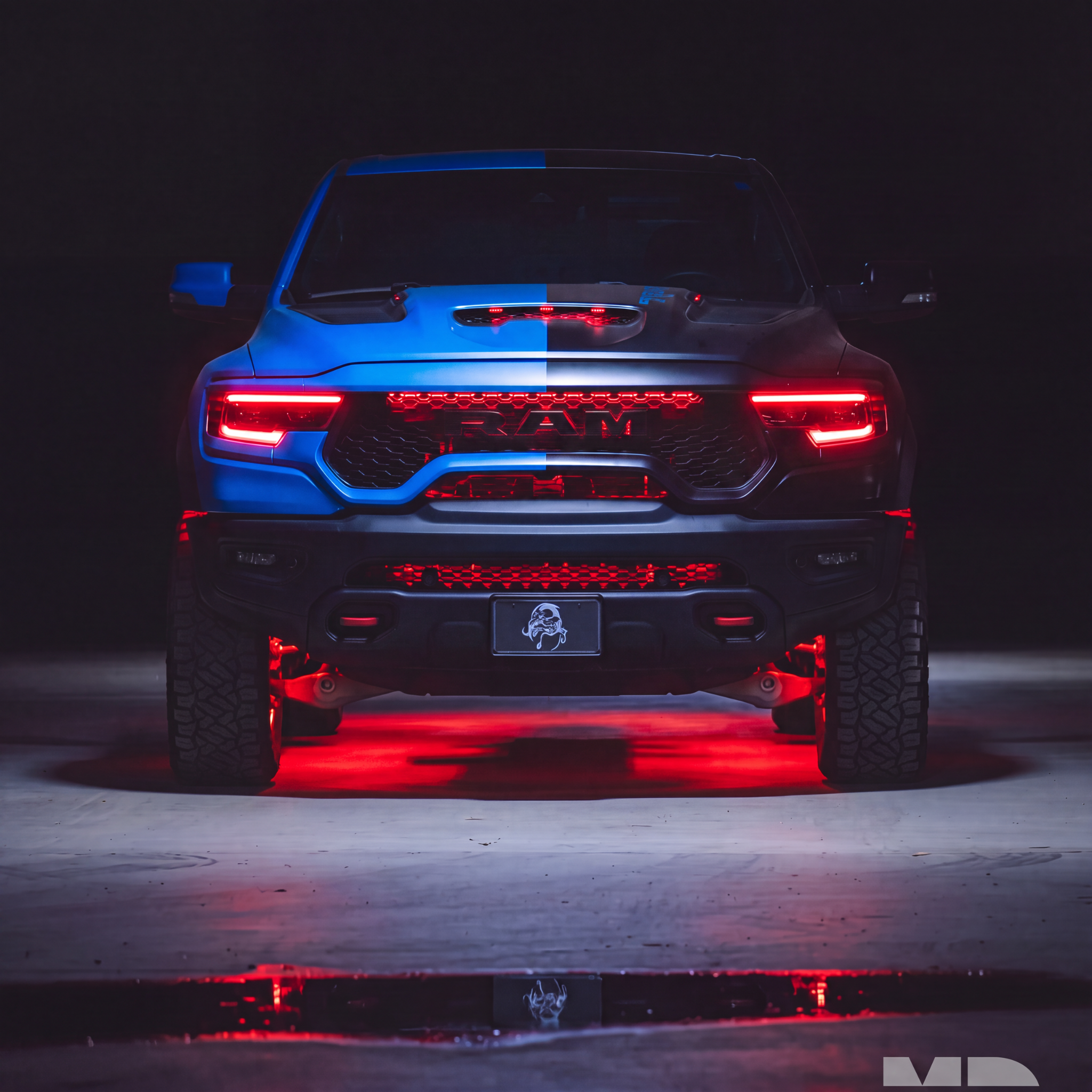
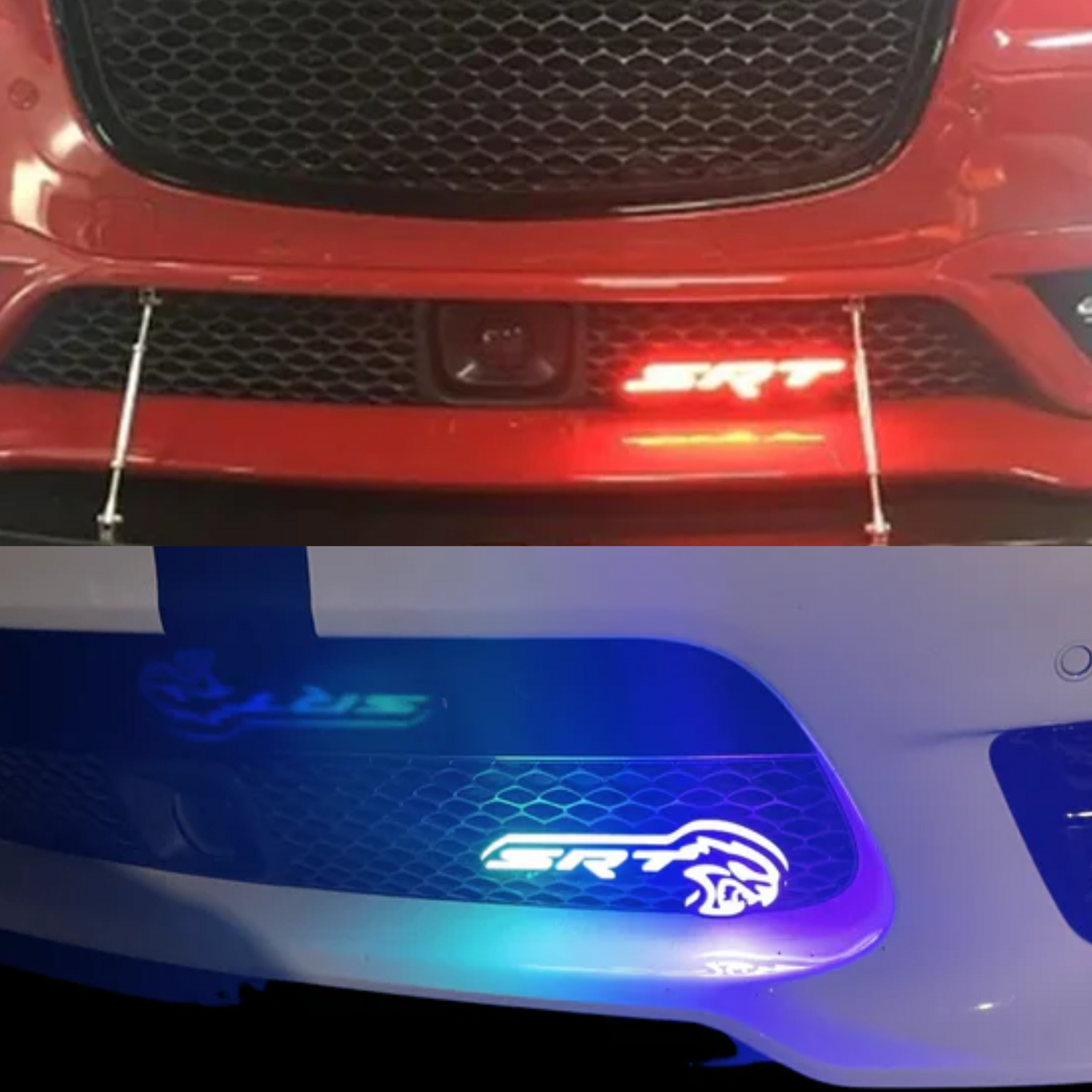
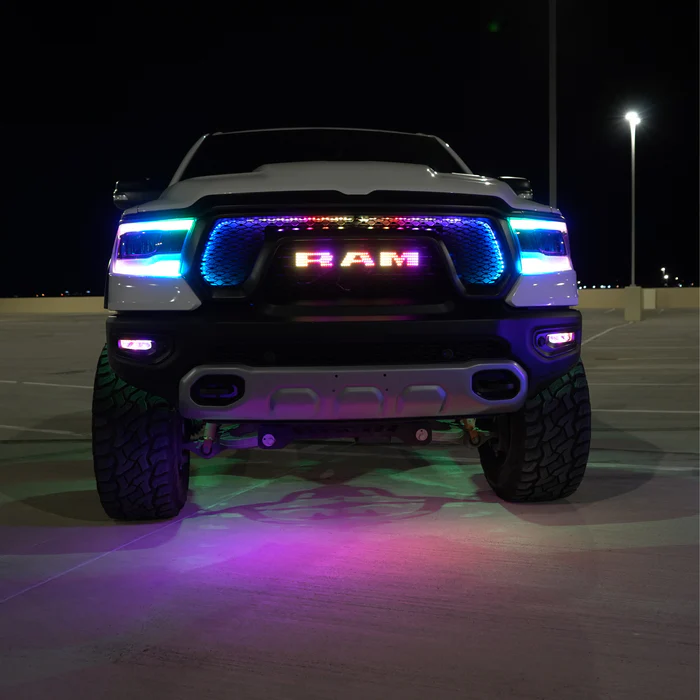
This installation reference covers SRT and SRT Hellcat Emblem. Match the product, vehicle configuration and controller part number before starting.
Part # I5, I6, I7, I8
LED Emblem Installation Guide
Step 1: Choose Your Mounting Location
Before wiring or mounting the emblem, decide where you want the LED emblem installed on the grille.
Upper Grille Installation
For most upper grille installs, bumper removal is recommended or required so you can access the back side of the grille and properly secure the emblem.
If installing the LED emblem in the factory upper grille emblem location, remove the factory grille emblem first, then mount the LED emblem in the same location.
See video: How to remove the front bumper on a Dodge Charger.
Lower Grille Installation
For lower grille installs, you may not need to remove the full bumper. In most cases, you can access the lower grille area by removing the lower skid plate / underbody splash shield from underneath the front bumper.
This should give you enough room to reach behind the lower grille and secure the emblem.
Step 2: Mount the LED Emblem to the Grille
Position the emblem where you want it on the grille.
The emblem is designed to mount to most vehicle grilles using the bracket and hardware attached to the back of the emblem.
For upper grille installs, remove the factory grille emblem if needed and mount the LED emblem in that same location.
Insert the emblem through the grille opening, then secure it from the back side using the included nuts and bolts.
Make sure the emblem is centered, straight, and fully tightened before moving on to wiring.
See video: How to mount the LED emblem to the grille.
Step 3: Mount and Wire the Controller Module
Mount the controller module in a safe location inside the engine bay.
Choose a location away from:
- Extreme heat
- Moving parts
- Belts or fans
- Sharp edges
- Areas where water can collect
Connect the controller power and ground wires:
- Power wire: Connect to a 12V power source in the engine bay.
- Ground wire: Connect to a clean chassis ground or the battery negative terminal.
- DRL wire: Tap into the fuse box using the recommended fuse tap location shown in the wiring photo.
See attached photos:
Power connection
Ground connection
DRL fuse tap location
Step 4: Run the Emblem Wiring to the Controller
Route the LED emblem wiring through the grille and into the engine bay.
Connect the emblem wiring to the controller module.
Make sure all wiring is secured with zip ties and kept away from:
- Hot engine components
- Sharp edges
- Fans
- Belts
- Moving parts
Test the emblem before reinstalling the bumper, lower skid plate, or underbody splash shield.
Step 5: Test and Reassemble
Turn the vehicle on and confirm the emblem powers on correctly.
Check that the DRL function works as expected.
Once everything has been tested, reinstall the bumper, lower skid plate, or underbody splash shield depending on what was removed during installation.
Double-check that all hardware is tightened and all wiring is safely secured.
Download the Rgb halo kits app and connect in app and or use the handheld remote.
Product link(s):
SRT Illuminated LED Emblem Badge (RGBW or Flow Series)
SRT Hellcat Illuminated LED Emblem Badge (RGBW or Flow Series)
Source and installation help
Checked against SRT and SRT Hellcat Emblem Install Guide in the RGB Halo Kits Help Center on October 22, 2026. Follow the instructions supplied with your exact kit if hardware versions differ.
Controller and wiring guide · Ask installation support · Browse lighting guides