 Skip to content

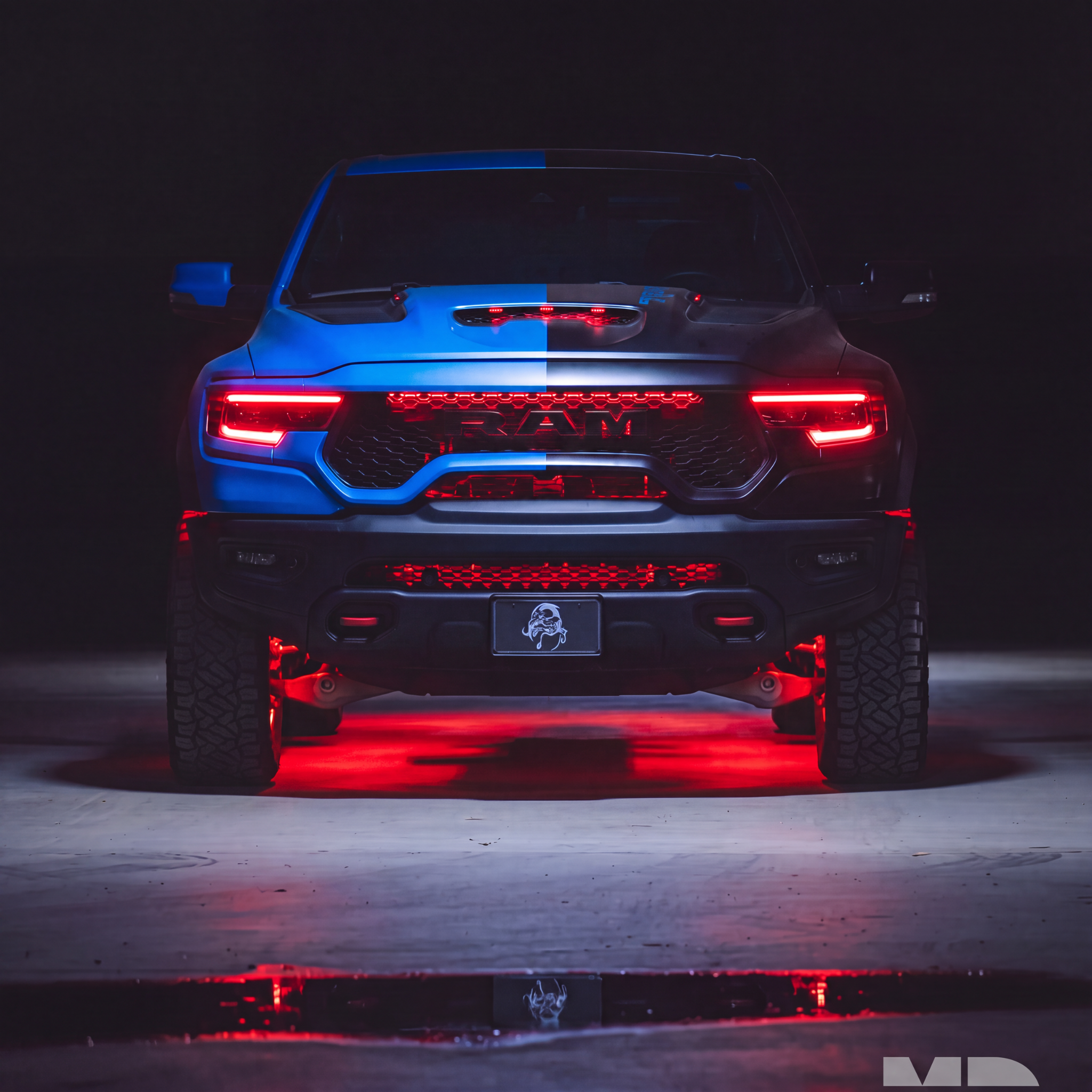

Testing your lighting kit while the components are accessible can help you catch a connection or setup problem before it becomes a second installation job. Check it before permanent mounting, then test again before resealing headlights or reinstalling interior panels.
1. Check the contents first
Compare the parts in the box with the included-items list for your exact product and selected option. Look for damaged connectors, loose wires or missing components. Keep the packaging and record the product labels so support can identify the kit if you need help.
If something appears missing or damaged, pause the installation and contact support with your order number and clear photos.
2. Follow the diagram for your kit
Read the product’s installation instructions and our wiring overview. Identify the power input, controller, LED outputs and any required drivers or regulators before connecting power.
Do not connect a bare LED board or ring directly to a battery, or bypass a required driver or regulator. Use the specified supply and protection for the complete kit. A matching connector shape does not establish electrical compatibility. If the diagram or supply requirement is unclear, ask support before testing.
3. Inspect connections with power off
Check connector orientation and make sure plugs are fully seated without forcing them. Keep exposed conductors from touching each other or metal surfaces. Disconnect power before changing connections. Do not mix controllers or drivers from different kits unless compatibility has been confirmed.
4. Check the supported functions
- Confirm each supplied light illuminates.
- Try the supported red, green and blue settings and compare matching components.
- Check dedicated white or amber only if the product includes those channels.
- For Flow Series, run the supported chasing modes and look for unlit sections or unexpected behavior.
- Confirm app or remote control using the instructions for the supplied controller.
- For starlight kits, check the main bundle and the separate shooting-star effect if included.
Use the product’s guide for setup details; app names and controller settings vary. Do not change advanced settings at random to compensate for a wiring issue.
5. Resolve issues before closing the installation
If a light is dim, flickering, missing a color or not responding, turn off power and recheck the supply, ground and connections against the diagram. Refer to the troubleshooting guide for your product in the Help Center. A symptom alone does not prove which component is faulty.
Send support your order number, product and controller labels, a photo showing the connected system and a short video of the problem. Explain which checks you completed. This gives the team a useful starting point without asking you to remove already-sealed headlights.
6. Test again before final assembly
After mounting and routing the wiring, repeat the function checks while everything is still accessible. Confirm wires and fibers will not be pinched when housings or panels are closed. Once the installation is complete, verify operation again using the product-specific instructions.