Skip to content



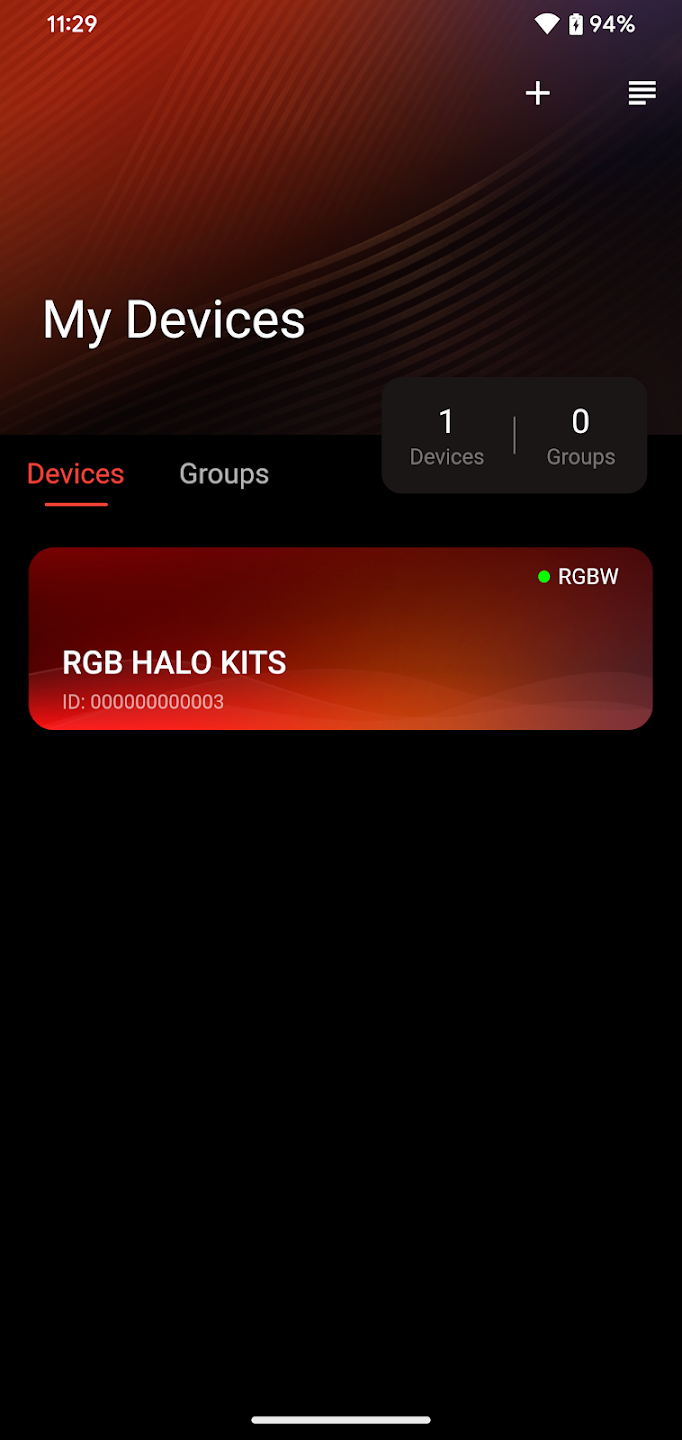
The RGB Halo Kits app controls compatible lighting controllers through Bluetooth. Start by checking the controller label or its included guide: not every RGB Halo Kits product uses the same app.
Which app should I use?
Use the app named in your product or controller guide. Compatible RGBW and Flow controllers can use RGB Halo Kits. Some older or specialty kits use another app. The current Pro starlight headliner guide specifies MySmartLED.
Scan the QR code supplied with your controller or search for its exact part number in the Help Center. Do not select an app solely because it appears in another product’s video.
Connect your controller
- Confirm the controller is wired correctly and receiving its specified power.
- Install the app listed for that controller.
- Enable Bluetooth and allow the connection permissions required by your phone.
- Stand near the powered controller and open the app.
- Add or select the controller inside the app, following its setup instructions.
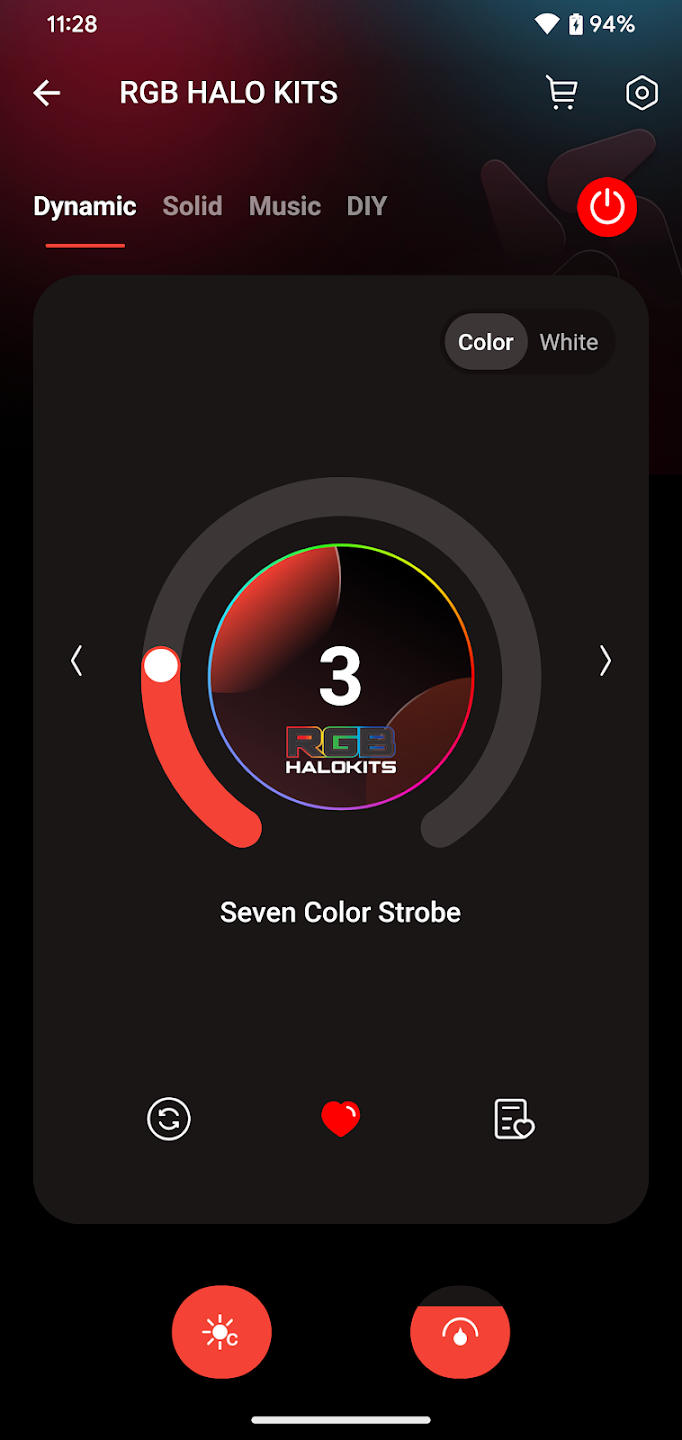
- Test on/off control, colors and brightness before finishing the installation.
For supported controllers, connection happens inside the app. A controller not appearing as a conventional paired device in the phone’s Bluetooth menu does not by itself indicate a fault.
Colors, effects and multiple controllers
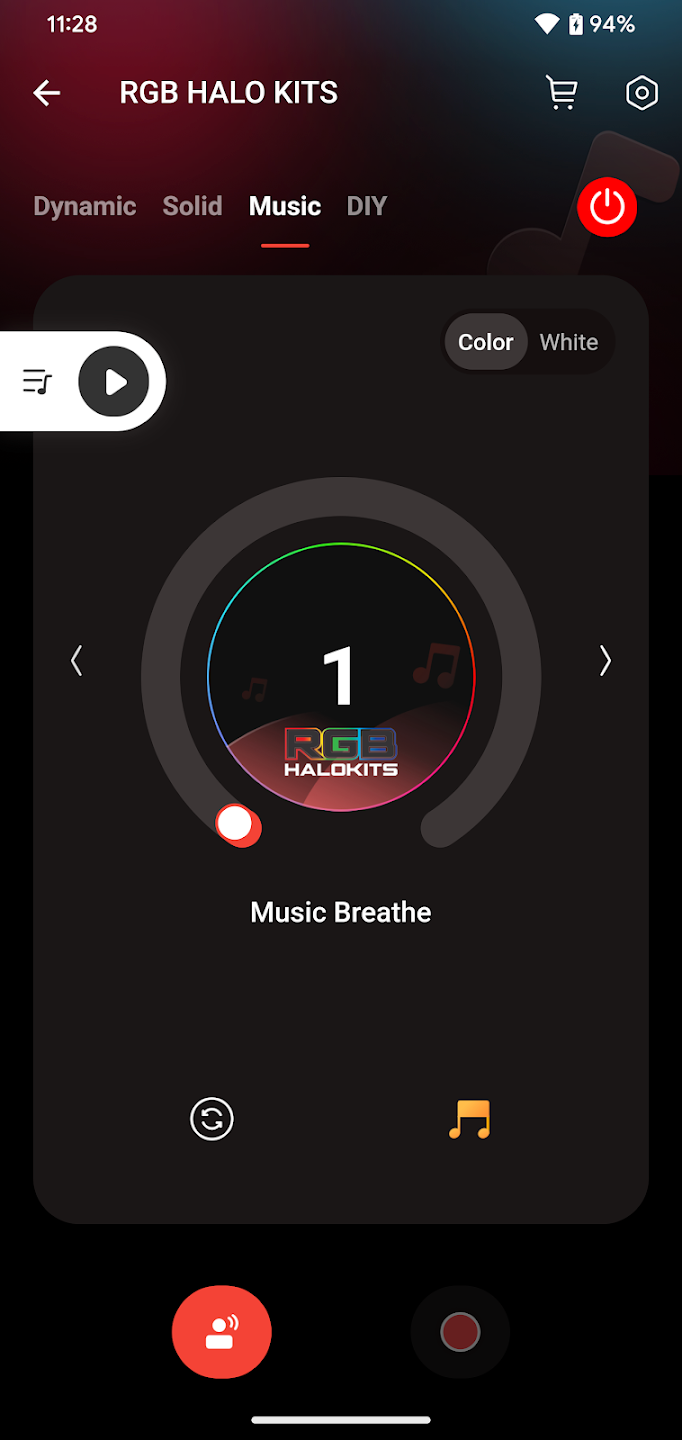
Available controls depend on the connected hardware. RGBW systems provide their supported color and white modes; Flow systems provide their supported chasing effects. An app setting does not add hardware features that the product does not have.
Compatible controllers may be grouped or synchronized in the app. This is separate from plugging multiple products into one controller. Check the controller compatibility guide before combining hardware.
Remote works, but the app will not connect?
A working remote helps confirm that the system has power. Check the app name and phone permissions, fully close and reopen the app, and retry nearby. If needed, power-cycle the controller according to its instructions. Use the Bluetooth troubleshooting guide for the complete sequence.
What to send support
- Order number and controller part number.
- The app name and your phone model.
- Whether the lights and handheld remote work.
- A screenshot or short video of the connection problem.
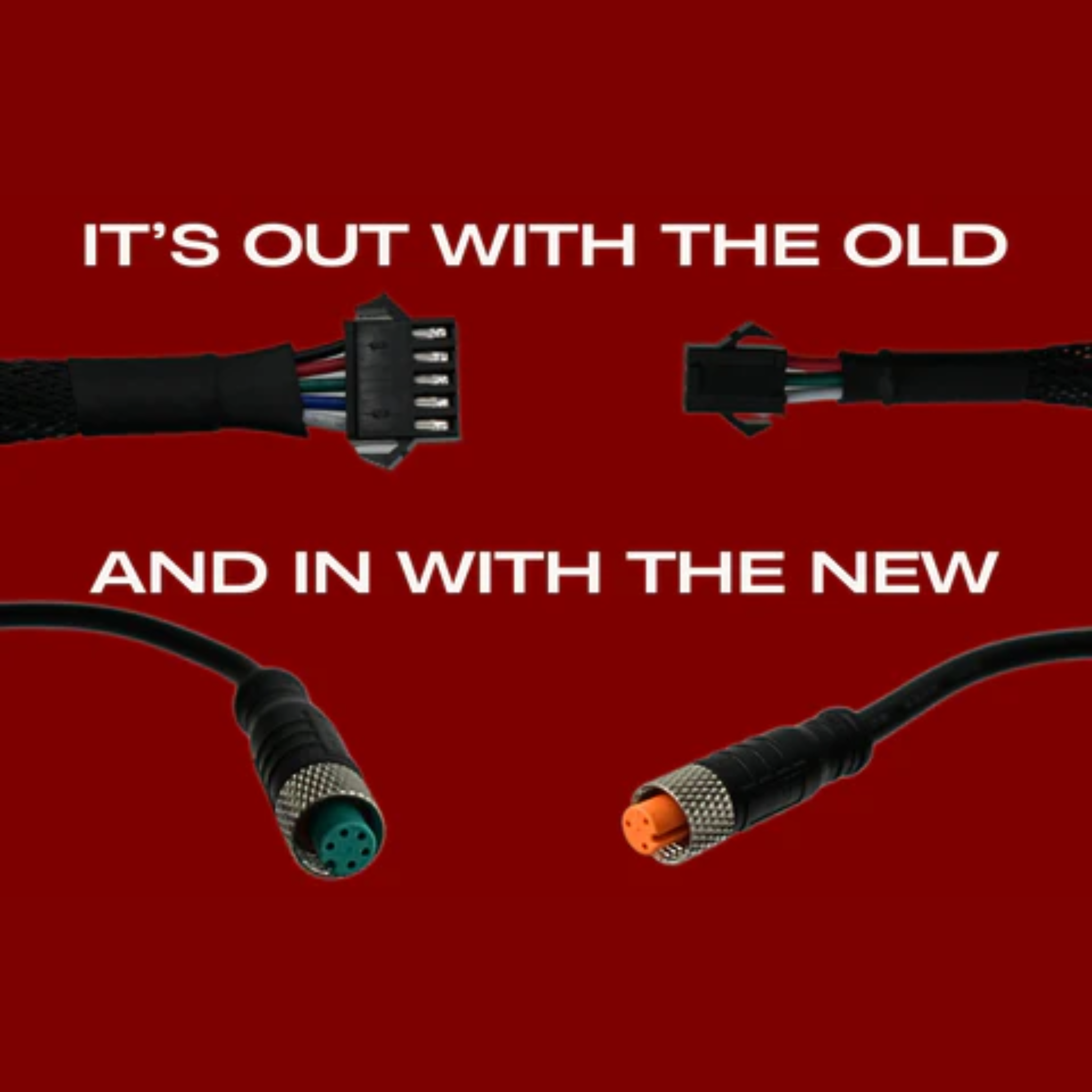
- A photo of the power and controller connections.
For model-specific wiring, start with the LED wiring guide.