Skip to content

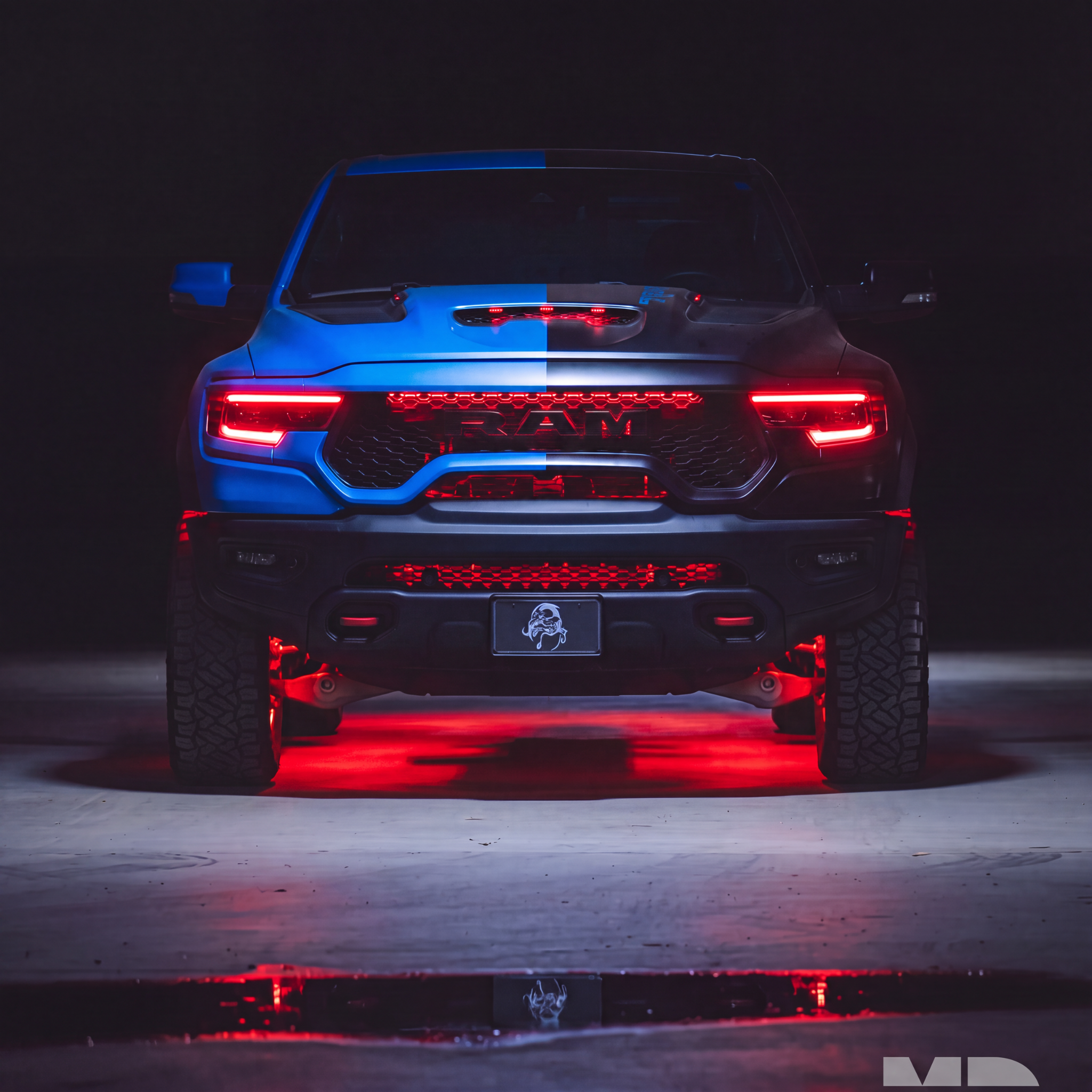

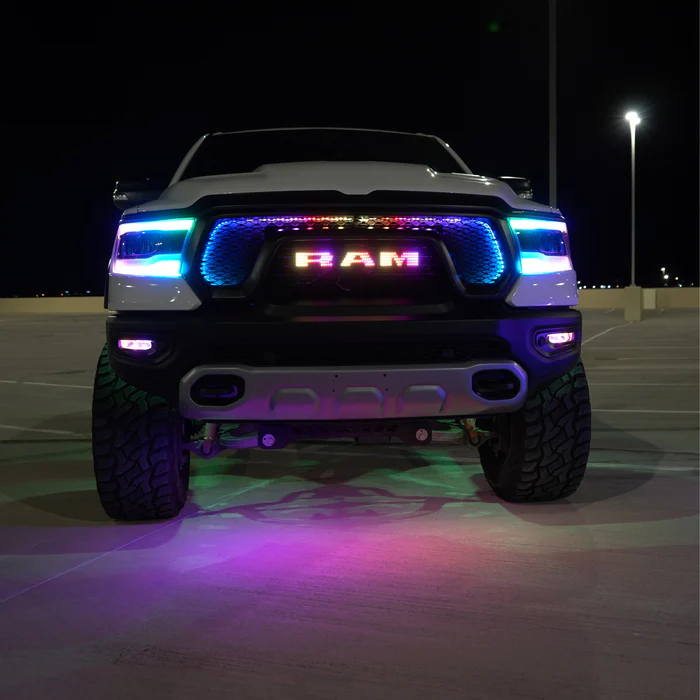
This installation reference covers Dodge Ram Illuminated Emblem. Match the product, vehicle configuration and controller part number before starting.
Part # I11
Ram LED Emblem: Multicolor (2019-2023)
Updated Wiring & Mounting Instructions
The wires now exit from the back of each emblem letter, allowing them to be completely hidden after installation for a clean OEM-style appearance.
For optimal results, follow the steps below:
1. Prepare the Wiring
The wires from each emblem letter are partially covered by the 3M adhesive tape on the back of the letter.
Carefully cut a small channel in the tape so the wires can exit straight out the back of each letter without creating a gap when mounted.
FLOW Bluetooth LED Controller — Wiring & Setup Guide
2. Drill Wire Exit Holes
Position each letter on the grille and mark where the wires will pass through.
Drill a small hole behind each individual letter large enough for the wires to pass through. This allows the wires to route directly behind the grille, keeping them completely hidden once installed.
Note: The drilled holes will be fully covered by the emblem letters once installed.
3. Remove Factory Rivets (If Applicable)
If your grille still has the factory rivets behind the original letters, carefully drill out the rivets using a small drill bit. This will release the factory letters and create the opening needed for routing the new emblem wiring.
Take care to avoid damaging the surrounding grille surface while drilling.
4. Route the Wiring
Feed the wires through the holes you drilled so they exit behind the grille. This ensures the emblem letters can sit flush against the grille surface.
5. Install the Letters
Once the wires are routed through the grille, remove the protective backing from the 3M adhesive and firmly press each letter into position.
6. Seal the Wire Pass-Through (Recommended)
To help prevent moisture from entering the grille area, you can seal the wire pass-through holes using one of the following methods:
• Apply a small amount of clear RTV silicone around the wire where it enters the hole.
• Install a small rubber wire gland or grommet in the drilled hole for a cleaner, more sealed wire pass-through.
Source and installation help
Checked against Dodge Ram Illuminated Emblem install guide in the RGB Halo Kits Help Center on October 22, 2026. Follow the instructions supplied with your exact kit if hardware versions differ.
Controller and wiring guide · Ask installation support · Browse lighting guides