Skip to content

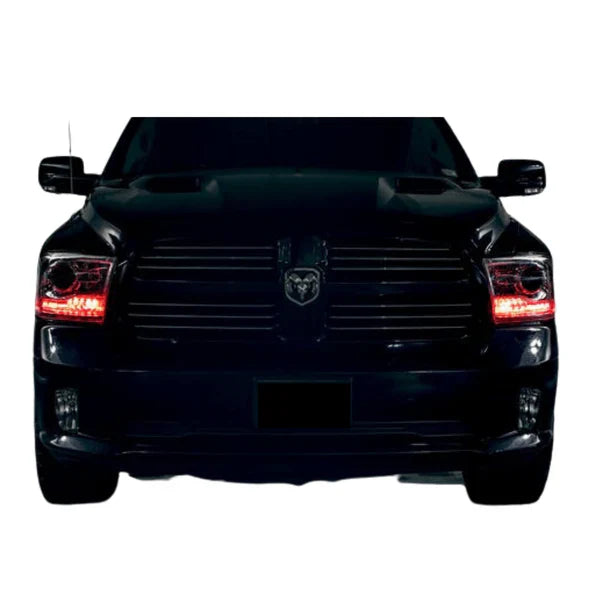
This installation reference covers 2009-2018 Dodge Ram Multicolor DRL Boards. Match the product, vehicle configuration and controller part number before starting.
Part # F25, F26
Product Link
Ram Multicolor DRL Boards (2009-2018)
Step 1: Test your Product. This helps you check operation and confirm the wiring before permanent installation.
Step 2: Remove your bumper to access headlights.
Step 3: Open your headlights. (*Confirm the opening and resealing method for your exact housing before following the video below)
Step 4: Install your LED Product into your headlights
Step 5: Reseal your headlights (see video above) or click here for full guide.
Step 6: If you haven't already, wire your LED Product onto your car using the included wiring guide or see our general wiring guide.
RGBW Bluetooth LED Controller w/ DRL SmartSwitch — Wiring & Setup Guide
Flow Series Bluetooth Controller w/ DRL SmartSwitch - Install Guide
Additional installation videos
These earlier demonstrations may show a different controller revision. Use the current kit-specific wiring instructions above for your supplied hardware.
Source and installation help
Checked against Dodge Ram Multicolor DRL Boards (2009-2018) Install Guide in the RGB Halo Kits Help Center on October 22, 2026. Follow the instructions supplied with your exact kit if hardware versions differ.
Controller and wiring guide · Ask installation support · Browse lighting guides