Skip to content


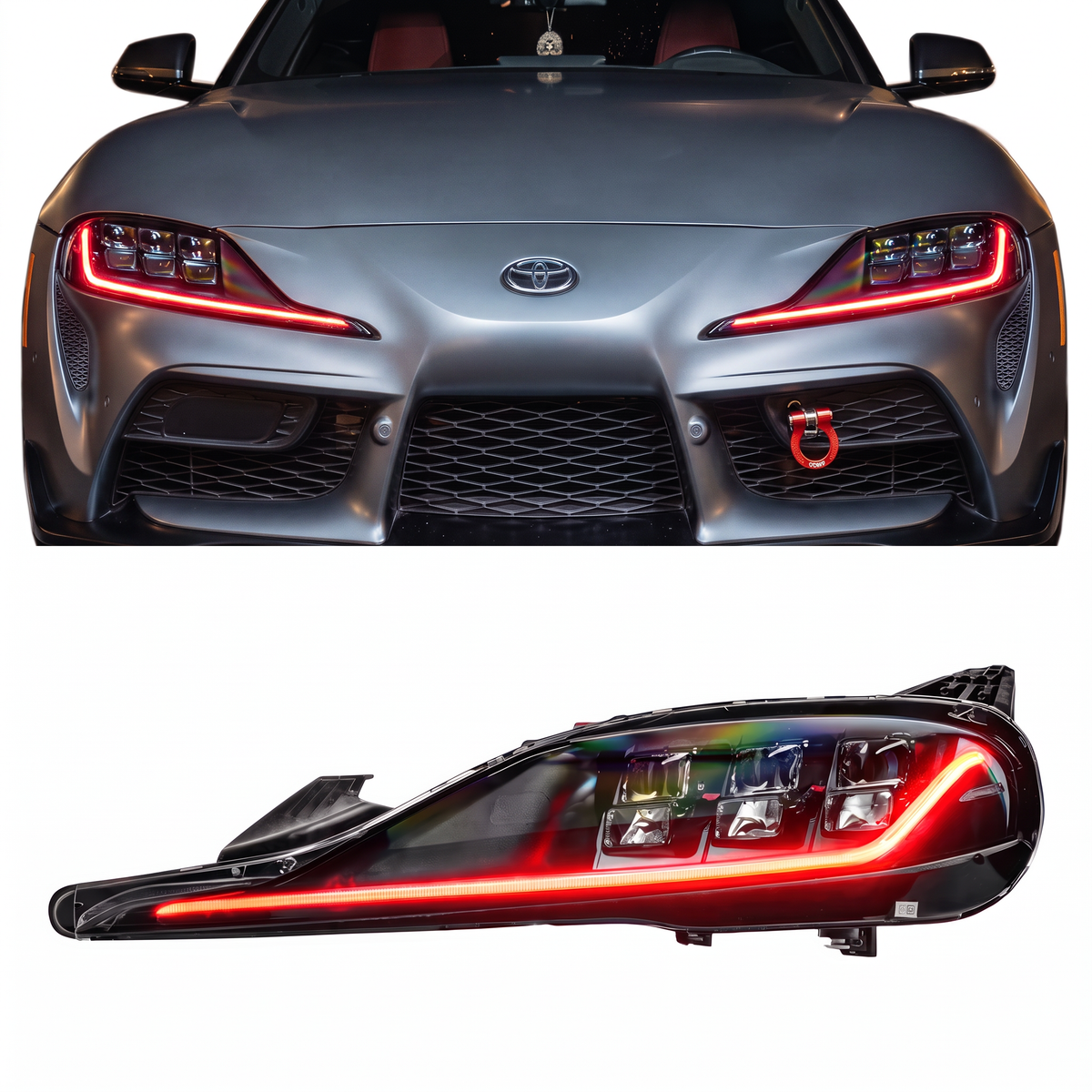
This installation reference covers 2020–2025 Corvette C8 RGBW+A DRL. Match the product, vehicle configuration and controller part number before starting.
Part # E22, E23
Chevrolet Corvette C8 RGBW+A DRL Boards (2020-2026)
This product can be installed without opening the headlights or removing the front bumper!
Important Notes Before Installation
This kit is designed to replace the factory C8 DRL boards with RGB Halo Kits Multicolor DRL Boards.
Avoiding Bulb-Out Warnings
To help prevent bulb-out warnings or DRL errors, we recommend leaving the factory OEM DRL boards and heatsinks plugged into the headlight harness.
The OEM DRL boards should remain connected, but they can hang outside of the headlight after the multicolor boards are installed.
This is the best way to help avoid warning lights, bulb-out messages, or factory DRL errors.
Important: Be careful when handling the OEM DRL boards. The pins on the factory LED board can break if too much pressure is applied, or if the board is pulled, twisted, or forced too roughly. We recommend putting epoxy around the OEM DRL board connector to prevent breaking.
Installation Steps
Step 1: Remove the Front Wheels
Safely lift the vehicle and remove the front wheels to access the inner fender liners.
Step 2: Remove the Fender Liners
Remove the front fender liners to gain access to the rear of the headlights.
Step 3: Remove the Factory DRL Boards
Locate the factory DRL boards on the back side of the headlights.
Carefully remove the factory DRL boards from the headlight housing.
Do not damage the OEM boards or pins, as the factory DRL boards will need to remain connected to help prevent bulb-out warnings.
Step 4: Install the RGB Halo Kits Multicolor DRL Boards
Install the RGB Halo Kits Multicolor DRL boards in place of the factory DRL boards.
Make sure the boards are seated correctly and secured properly before continuing.
Step 5: Connect the RGBW Wiring
RGBW Bluetooth LED Controller w/ DRL SmartSwitch — Wiring & Setup Guide
Connect the included plug-and-play RGBW wiring from the multicolor DRL boards to the LED drivers.
DRL Boards + Controller
Each DRL board setup will require:
- Power and ground to the LED controller
- Ground for each LED driver
- Yellow Turn signal trigger wire connected to the factory turn signal hot wire on each headlight harness
- White DRL Wire on controller (optional) connected to the factory DRL wire on either headlight harness
Because this product is RGBWA, the turn signal trigger must be connected properly for amber turn signal functionality.
Step 6: Ground Each LED Driver
Each LED driver must also be properly grounded.
Do not rely only on the main controller ground. The LED drivers need their own proper ground connection for the system to function correctly.
Step 7: Connect Turn Signal Trigger Wires
Connect the turn signal input wire for each side to the factory turn signal hot wire on the corresponding headlight harness.
This allows the RGBWA boards to display amber turn signal functionality.
Optional C8 Lower Bumper / Fog Light Strip Installation
If your kit includes the optional C8 lower bumper fog light strips, there are three possible mounting locations depending on the look you want.
Option 1: Above the Fin Area
Mount the strip just above the lower bumper fin section.
This gives the lighting a cleaner, more visible appearance from the front of the vehicle. This is a good option if you want the fog light strip to be more noticeable and show more direct light output.
Option 2: On the Actual Fin Area
Mount the strip directly onto the lower bumper fin area itself.
This gives the light a more integrated look while still keeping the strip easy to access and position. This option works well if you want the strip to follow the shape of the bumper more closely.
Option 3: Recessed Behind the Fin Area
Mount the strip slightly behind the lower bumper fin area for a more hidden, recessed appearance.
This creates a cleaner OEM-style look where the glow is visible, but the strip itself is not as exposed. This is the best option if you want a more subtle, premium appearance.
Fog Light Strip Mounting Notes
Before fully securing the fog light strips, test-fit both sides and confirm the placement matches the look you want.
Make sure both strips are mounted evenly from side to side. The driver-side and passenger-side strips should sit at the same height and angle so the final lighting effect looks balanced.
Once the final location is selected, clean the mounting surface thoroughly before attaching the strips.
Make sure the strips are secured away from moving parts, sharp edges, excessive heat, and any area where the wiring could be pinched.
Fog Light Strip Wiring
If your kit includes the optional lower bumper fog light strips, wire them using the same general process:
- Connect ground from driver
- Connect the turn signal trigger wire to the correct turn signal hot wire
- connect driver to fog strips
The driver-side fog light strip should be connected to the driver-side turn signal hot wire.
The passenger-side fog light strip should be connected to the passenger-side turn signal hot wire.
OEM DRL Board Final Placement
After the multicolor boards are installed, leave the factory OEM DRL boards and heatsinks plugged into the vehicle harness.
Allow them to hang outside of the headlight housing in a safe location where they will not be pinched, crushed, pulled, or placed under tension.
This helps prevent bulb-out warnings and factory DRL errors.
Important: Do not force the OEM DRL board or allow the connector pins to carry the weight of the board. If too much pressure is applied, the OEM pins can break.
Test Before Reassembly
Before reinstalling the fender liners and wheels, test all functions:
- App connection
- Color control
- White mode on DRL boards
- Amber turn signal function
- Driver-side turn signal
- Passenger-side turn signal
- Optional fog light strip operation, if installed
- No bulb-out warning or DRL error messages
Confirm everything works correctly before fully reassembling the vehicle.
Reinstall Fender Liners and Wheels
Once everything has been tested and confirmed working, reinstall the fender liners and front wheels.
Make sure all wiring is secured away from heat, sharp edges, suspension components, and moving parts.
Final Check
After installation, confirm the following:
- Both DRL boards light up correctly
- Both sides respond to the app/controller
- Turn signals activate correctly
- OEM DRL boards remain connected
- No bulb-out warning appears
- All wiring is secured safely
- Optional fog light strips work properly, if equipped
- Driver-side and passenger-side fog light strips are mounted evenly
Important: Turn Signal Hyperflash Connection Check
If you experience a turn signal issue during or after installation, first verify that all turn signal connectors are fully seated and securely locked before proceeding with any troubleshooting.
A connector may appear to be plugged in but may not be fully engaged, or it can become loose while routing or securing the wiring. This can result in intermittent operation, a non-functioning turn signal, or other lighting issues.
Perform a final function test and gently tug on each connector to ensure it is fully locked in place. Taking a few extra moments to verify all connections can prevent unnecessary troubleshooting and help ensure proper operation.
Verify vehicle-side trigger wires
The Help Center currently contains conflicting vehicle-side wire-color references. Do not select a vehicle wire by color alone. Verify the corresponding left/right turn-signal and DRL circuits with the vehicle wiring information and appropriate testing, or contact support with your year, controller part number and harness photos before connecting.
Source and installation help
Checked against Corvette C8 RGBW+A DRL Boards Installation Guide (2020-2026) in the RGB Halo Kits Help Center on October 22, 2026. Follow the instructions supplied with your exact kit if hardware versions differ.
Controller and wiring guide · Ask installation support · Browse lighting guides